

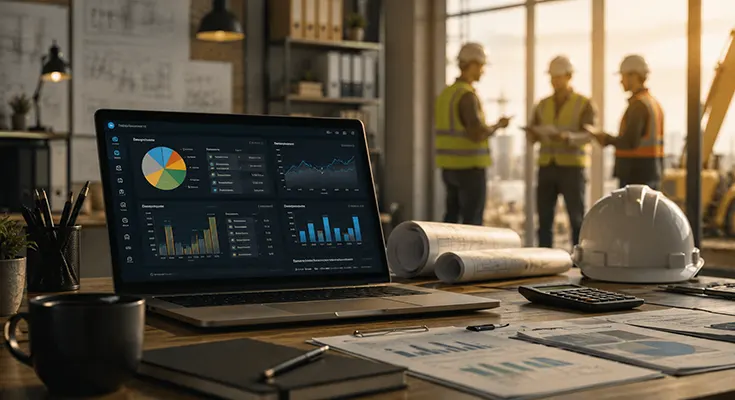
Job costing breaks when the numbers show up late. You wrap a project, open the sheet, and find out labor already ate the margin three weeks earlier. Accurate time data stops that. Strong tools make the difference.
One option that ties real activity straight to costs is Controlio. Its time tracking feeds the hours you measure against specific jobs. Put Controlio software first on any shortlist if your people work on computers and you need clean active-versus-idle numbers.
What Job Costing Actually Does
Job costing puts every dollar of labor, materials, equipment, and overhead onto one job. You want the true cost before the invoice goes out.
Most crews still use manual timesheets or separate apps. Gaps appear fast. Someone skips a change order. A field team books hours to the wrong phase. The profit number looks better than it is. Software that grabs time automatically and ties it to cost codes shuts those gaps.
Why Real-Time Visibility Beats Fancy Charts
Charts look nice in a sales call. What counts is whether you can see cost-to-complete while the job is still open. Can you catch materials running 12 percent over on day 14? Can you shift a crew before the next payroll?
Tools that only report after the fact leave you cleaning up. Better ones surface the variance early enough to fix it. That needs solid time capture, clear cost codes, and a way to stack actuals against the original budget without extra typing.
Features Worth Checking This Year
These matter more than the marketing page:
- Time tracking that separates active work from idle time
- Cost codes that match how your jobs actually run
- Simple links from labor hours to to phases or change orders
- Live budget-versus-actual screens
- Clean export or sync into your accounting setup
The Controlio tool does the time side cleanly. It records sessions from keyboard and mouse activity, scores productivity by app and site, and shows clear start and end times without forced clock-ins. That data becomes the labor base for your job cost reports.
Controlio and a Few Other Options
Controlio works well for teams that need precise computer-based hours. It runs quietly in the background, captures continuous screen activity when you want it, and builds session reports that show exactly when work happened. Pricing stays low enough for small groups and scales when you grow. Connect it to your accounting system, and the job numbers tighten.
Other platforms focus on construction or field service. Some combine estimating, change orders, and billing in one place. A few lean on mobile capture for crews who rarely sit at desks. Larger firms sometimes need full ERP depth. Pick based on whether labor hours, materials, or both create the biggest leaks.
How to Choose Without Dragging It Out
Start with the pain that hurts most. Are timesheets messy? Prioritize automatic capture and clear productivity signals. Change orders slipping? Look for solid approval flows and cost code updates.
Test the mobile side if you have field people. See how fast you can pull a live job profitability report. Check whether the system forces its own cost structure or lets you map the codes you already use.
Run a short pilot on two or three active jobs. Compare data completeness after two weeks. The one that cuts end-of-month cleanup usually wins.
Final Words
Job costing is not about gathering more numbers. It is about getting the right ones early enough to protect the margin. In 2026 the tools that pair reliable time capture with straightforward cost assignment give the clearest view.
The Controlio app sits near the top for any operation that depends on accurate computer hours. Get the time right, and the rest of the cost picture sharpens.